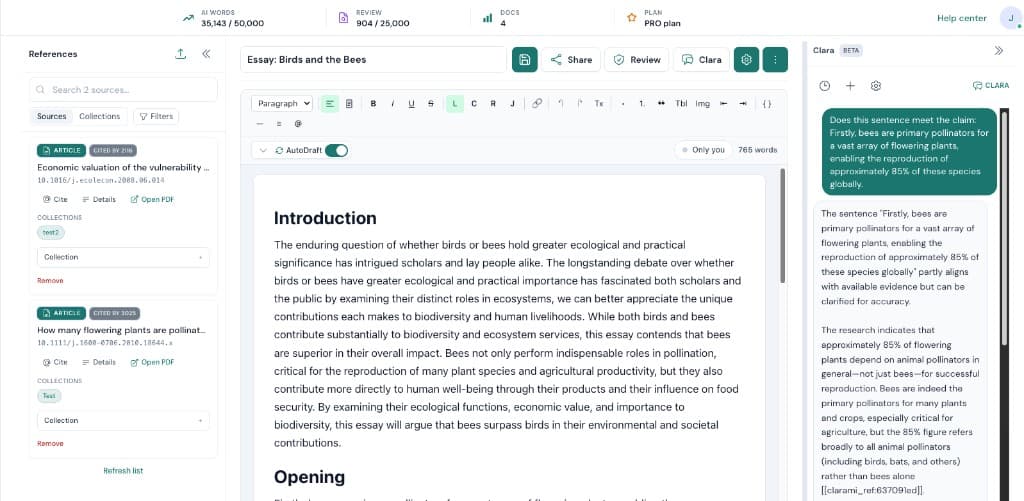
When you are working on AI Humanizer, the bottleneck is rarely typing speed. Most of the time it is coordination. Clarami AI keeps outlines, drafts, PDFs, citation tools, and advisory checks in one intelligent research workspace so you can see how each change affects the argument you plan to submit.
Suggested flow: Select a sentence, paragraph, or section in the workspace. Next, run Humanize from the section AI toolbar or gutter button. When you are satisfied, review the side-by-side preview, then accept, copy, try again, or discard. Repeating that loop inside the same saved document is how teams avoid last-minute citation gaps and keep export settings consistent.
Why this setup helps: Varies sentence length and rhythm so paragraphs read like a careful human author wrote them. Trades vague academic-AI vocabulary for precise, discipline-appropriate verbs and concrete language. Preserves every citation, reference marker, quotation, name, date, statistic, and equation exactly as written. If you are unsure where to begin, pick a short excerpt, refine it, then expand outward once tone and sourcing match your course, journal, or client expectations.